

Login to the WordPress dashboard
On the main menu (left-sided)
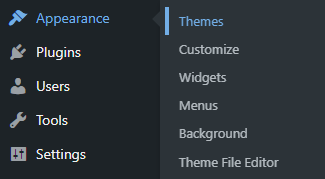
- Hover over on Appearance
- Click on Themes
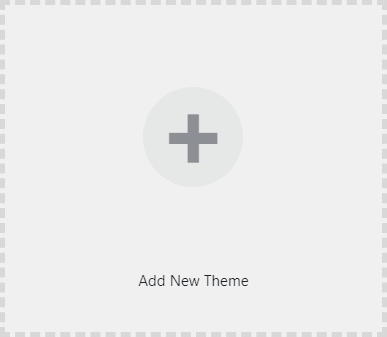
- Click on Add New Theme
If you have a theme in a .ZIP format –
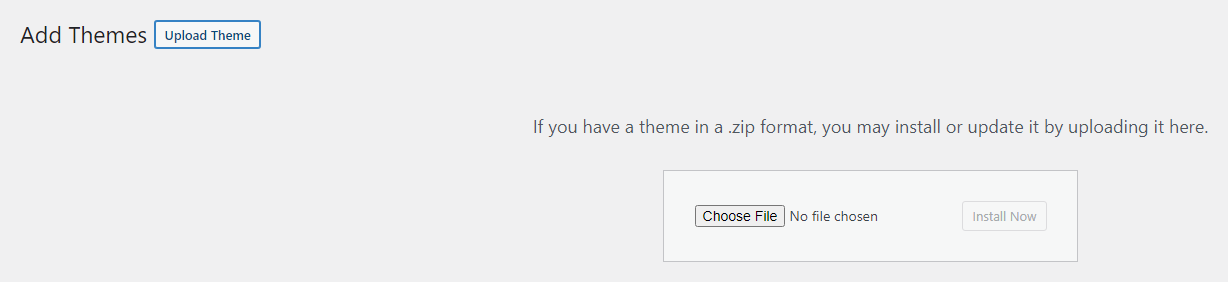
- Click on the Upload Theme button
- Click on the Choose File button
- Select and open the .zip folder
- Click on the Install Now button
- After finishing the installation, click on the Activate button
If you want to install a Theme from the WordPress database –
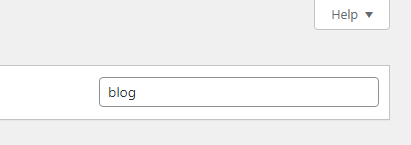
- Type the category on the Search field/box

- Hover over the mouse pointer on a Theme
- Click on the Details & Preview

- If you like the Theme click on the Install button
- If you don’t like it, click on the X or Next icon
- After selecting a theme, click on the Install button
- After finishing the installation, click on the Activate button