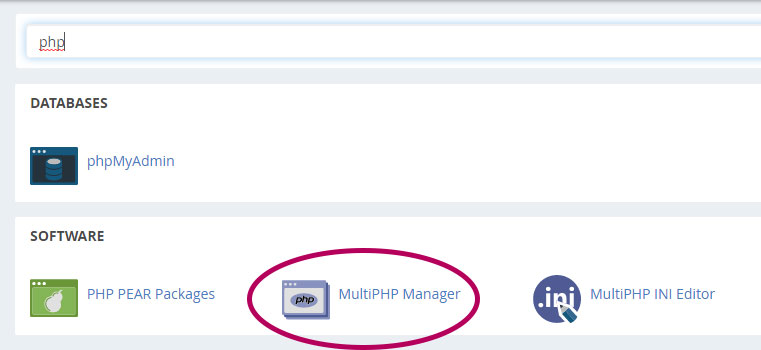
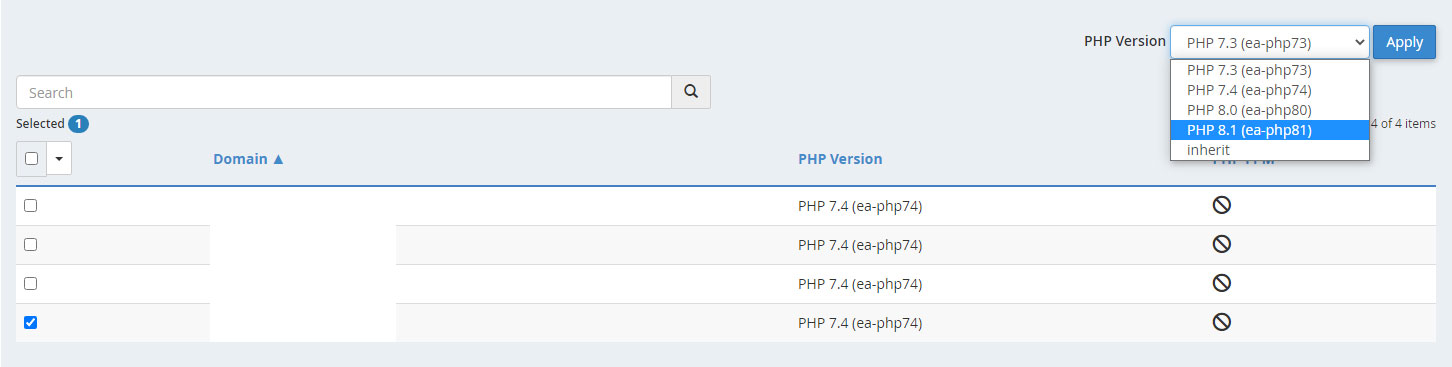
How to update PHP version on server or hosting (cPanel)? October 20, 2022 by Rafi The PHP version updating process is all most same for all the cPanel servers.Login to cPanelSearch for PHP Manager or PHP SelectorOpen PHP Manager Search the domainSelect itClick on the PHP Version drop-downSelect the new versionApply Be careful if the website breaks go back to the previous version. The WP theme or/and plugin(s) are not compatible with the new version of PHP.