We have to add the below code to the functions.php file. It is strongly recommended to use a child theme otherwise, all your customization in functions.php will be lost after each update.
Here is the code.
A warm thanks to Maya for sharing the code. More details…
Step Two:
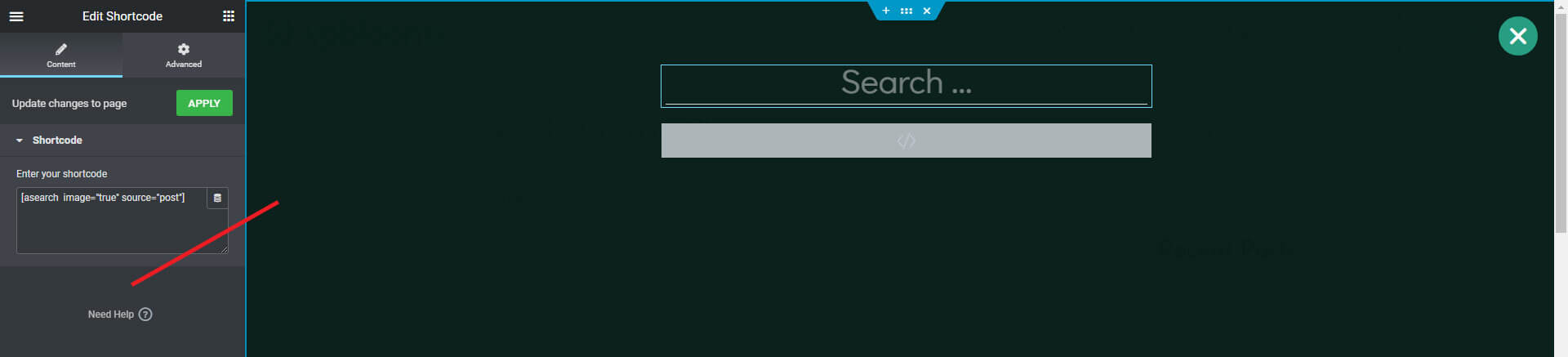
Place the Shortcode widget on a page or Popup template and add the below shortcode on the Shortcode widget box (left-side).
[asearch image="true" source="post"]
[asearch image="true" source="post"]
Example:Category page. You can adjust the style (CSS) as you like.
If you don’t have or are not familiar with the child theme then you may use Code Snippets or WPCode plugin for adding the code.